Ask an Event Expert: Best Practices for Supporting Your Presenters

Event presenters do so much more than deliver content: They set the tone, drive engagement and influence how participants experience an event. When presenters feel comfortable, confident and supported on stage, their message lands more clearly and makes a lasting impact.

In this edition of Ask an Event Expert, our Encore team members share how event planners can better support event presenters with thoughtful preparation and integration of event technology. Drawing from producer, presenter and technical perspectives, we answer the most common questions planners ask about creating an environment where presenters can perform at their best.

Meet the experts

Amanda Armstrong
Amanda Armstrong
Sr. Vice President, Industry Relations
Nick Greene
Nick Greene
Product Manager, Audio & Power
Laura Massas
Laura Massas
Show Producer
David Mills
David Mills
Product Manager, Video

How can event planners best support presenters before the event begins?

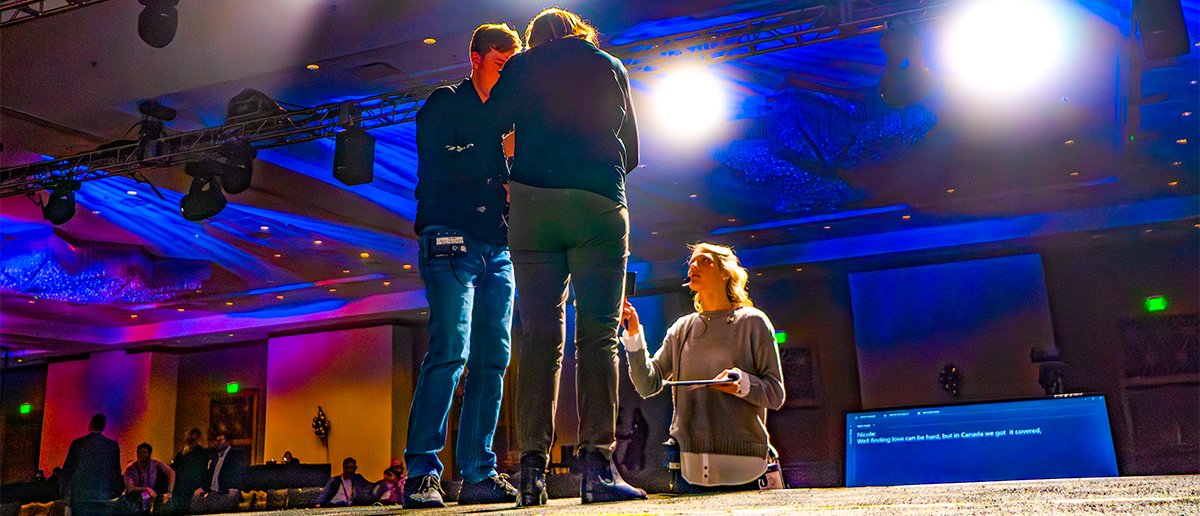
Laura Massas, Show Producer: Presenter support starts in pre-production. One of the most effective tools we use is a table read scheduled well before the event. This allows us to walk through rehearsal timing, stage entrances, introductions and how the room functions. When presenters understand where they will enter, where they will stand, how they will be introduced and what they will hear before stepping on stage, it reduces uncertainty. Familiarity builds confidence, and confidence improves delivery.

What details make the biggest difference in presenter comfort?

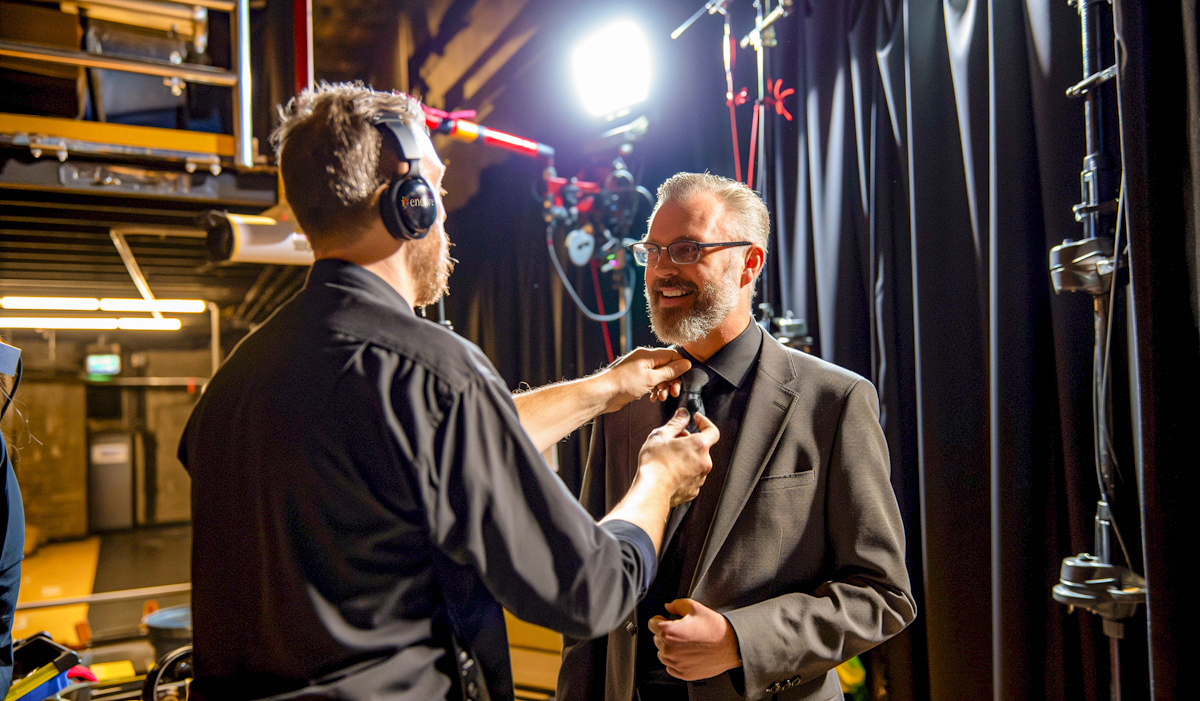
Laura: The details people tend to overlook are the ones that often matter most. We talk early about microphone type — whether a lavalier or headset mic is best — and how that affects wardrobe choices. When we have the stage plot and know where the presenter will stand in relation to the display, we review what content will appear behind presenters on the screen, so they don’t blend into the background. We also walk through speaker bumpers, videos and cues so nothing feels unfamiliar. When presenters know what to expect, rehearsals move faster and the overall show runs more smoothly.

What kind of event technology helps presenters feel confident on stage?

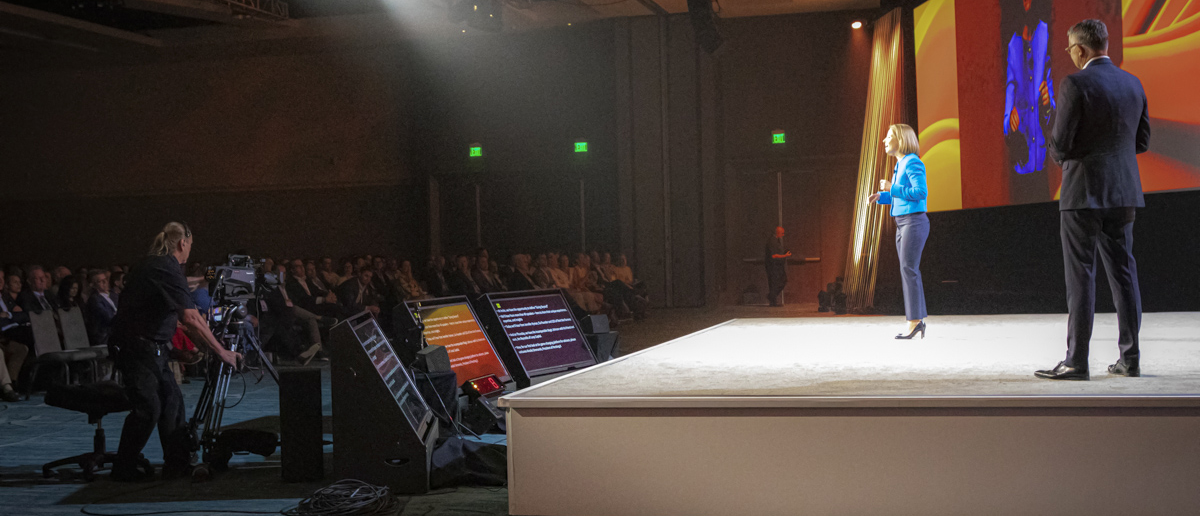
David Mills, Product Manager, Video: Confidence monitors are one of the most important presenter support tools we offer. They allow presenters to see exactly where they are in their presentation and, if needed, view their notes. That visibility gives presenters confidence and control. Some speakers prefer to work entirely off slides. Others want notes available so they can stay on track. There isn’t just one right approach. Some presenters feel more comfortable using a teleprompter, especially when the accuracy of the message is the highest priority. The goal is to give presenters options so they can present in a way that feels natural to them.

Why are confidence monitors so impactful for presenters?

David: When presenters don’t have confidence monitors, they often need to turn around to see content behind them or rely on memory alone. That can break flow and reduce connection with the audience. With confidence monitors placed in front of them, presenters can stay oriented, maintain eye contact and move through their presentation at their own pace. It creates a smoother experience for both the presenter and the audience. From a planning perspective, confidence monitors help presenters stay focused on their message instead of worrying about what comes next. It’s one of the simplest ways to improve presenter comfort and overall show quality.

From a presenter’s point of view, what makes you feel most supported on stage?

Amanda Armstrong, Senior Vice President, Industry Relations: Confidence monitors are essential for me. I want access to my notes, not just my slides. Strong presentations rely on storytelling, not reading from the screen. Notes help me stay focused on the audience instead of worrying about what comes next. Understanding the room also matters. Is it a main stage or a breakout? How large is the audience? What is the tone of the session? Those factors influence how I present and what technology I rely on.

How does event technology influence how presenters shape their content?

Amanda: Technology affects content more than people realize. On a large main stage with LED walls, presentations can lean more visual. In a breakout room, content may shift toward discussion and interaction. Polling tools are another example. Seeing responses privately allows presenters to adjust in real time and decide what to share publicly. That flexibility keeps the experience comfortable and relevant for everyone in the room.

Why is audio such a critical part of presenter confidence?

Nick Greene, Product Manager, Audio and Power: Presenters need to hear themselves clearly. Without audio foldback speakers, often called stage monitors, they may hear only room reflections, which can sound muffled or delayed. Hearing your own voice clearly is grounding. When presenters can hear themselves and the audience clearly, they can focus on delivering their message instead of compensating in real time.

What microphone options should planners consider for presenters?

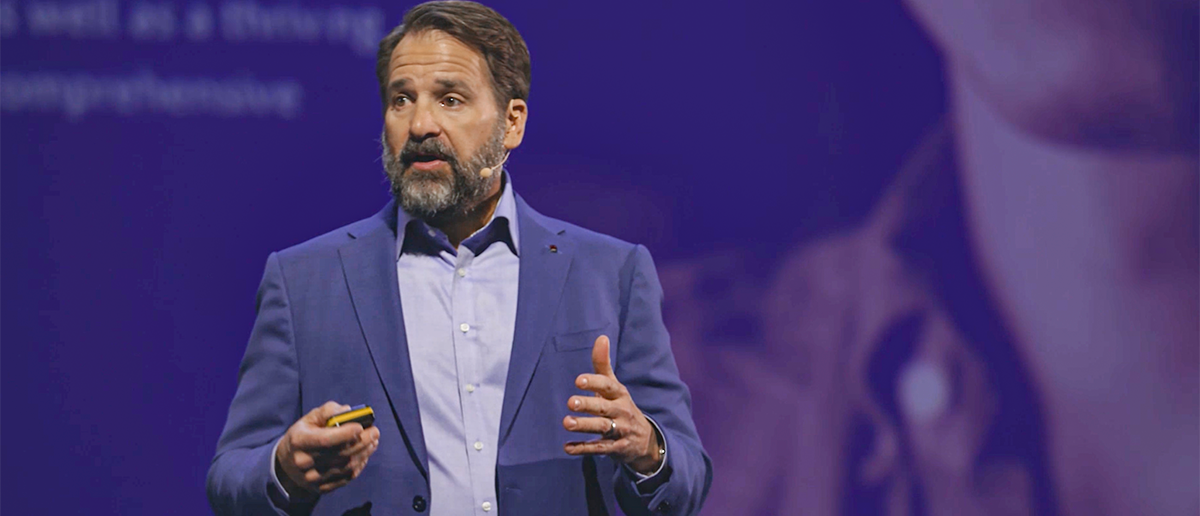
Nick: Lavalier microphones are common, but they are not the only choice. Headset microphones position the mic closer to the mouth, which delivers more consistent sound, especially for animated speakers or softer talkers. Wardrobe can also affect mic placement. Headset microphones remove many of those challenges and often make sense for keynote speakers or high‑profile sessions.


How can planners support presenters during audience Q&A?

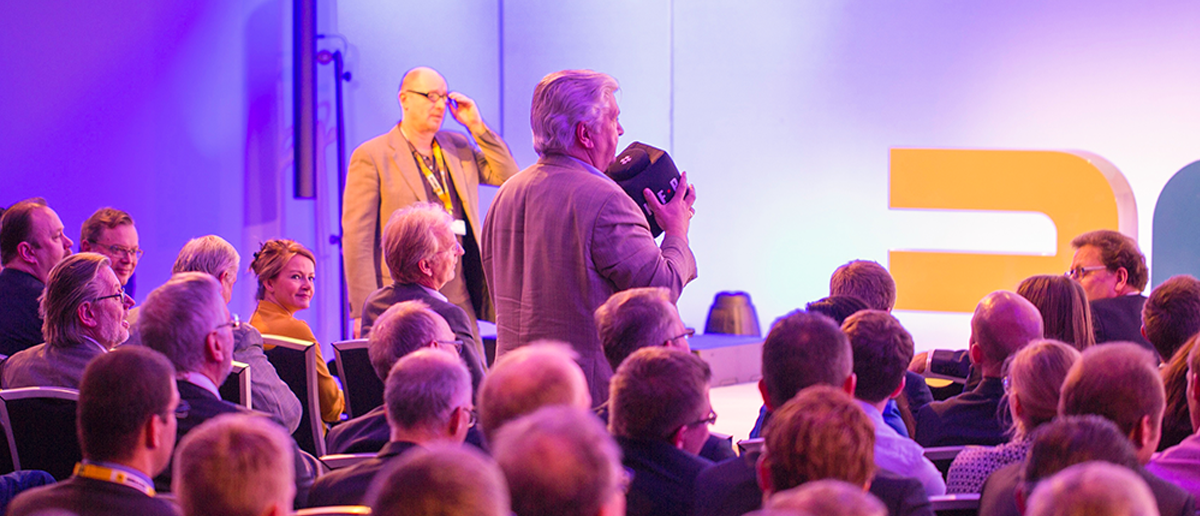
Nick: Having a plan to capture audience questions is really important. Aisle mics are an option for participants to use. It’s also common to have mic runners, people who wander throughout the audience with a wireless mic, to capture live questions for the presenter. Also, an engaging and fun option for Q&A is Catchbox. It encourages participation and keeps the conversation flowing. From a technical standpoint, it’s important for presenters to be able to hear questions clearly through their stage monitors. When presenters can receive questions easily, they stay in control of the conversation and respond more naturally.

What is the most overlooked aspect of presenter support?

Laura: Backup plans. Wireless interference and unexpected issues can happen. Having a clear plan and making sure presenters know what to do if something goes wrong builds confidence.
Amanda: Context. Presenters perform better when they understand the audience, the culture and the goals of the session.
David: Flexibility. When presenters have options, like confidence monitors with notes or slides, they feel supported rather than constrained.
Nick: Consistency. When technology works intuitively and reliably, presenters don’t have to think about it at all. That is when the strongest presentations happen.

 
Key takeaways for event planners:

  • Presenter confidence starts with preparation
  • Table reads and rehearsals reduce uncertainty
  • Confidence monitors help presenters stay oriented and engaged
  • Clear audio supports delivery and connection
  • The right microphone improves consistency and comfort
  • Backup plans create peace of mind

What Our Experts Say

Supporting presenters isn’t just about having the right equipment in the room. It’s about preparation, communication and selecting event technology that helps speakers feel confident, comfortable and connected before they ever step on stage. When presenters are supported, audiences feel the difference and that’s when events resonate with participants most.

Ready to get started?

Explore display solutions that set your event apart!